
 Made for 58 mm and 80 mm receipt printers.

Find your starting point
Pick an illustrated template, write a quick note, or upload an image. Preview it at your printer’s paper width.
Custom artwork. Expressive typography. Useful little prints. Choose a design, make it yours, and put it on paper.

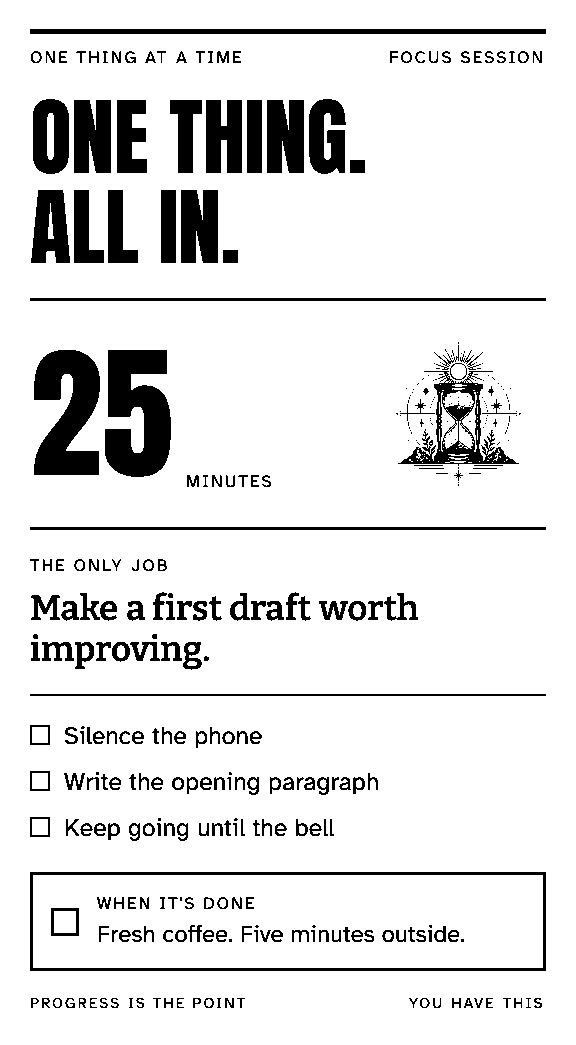
Actual print previews. Art and typography, down to the dot.
For your desk, your kitchen, your people.
Start with a design
and add your own details.
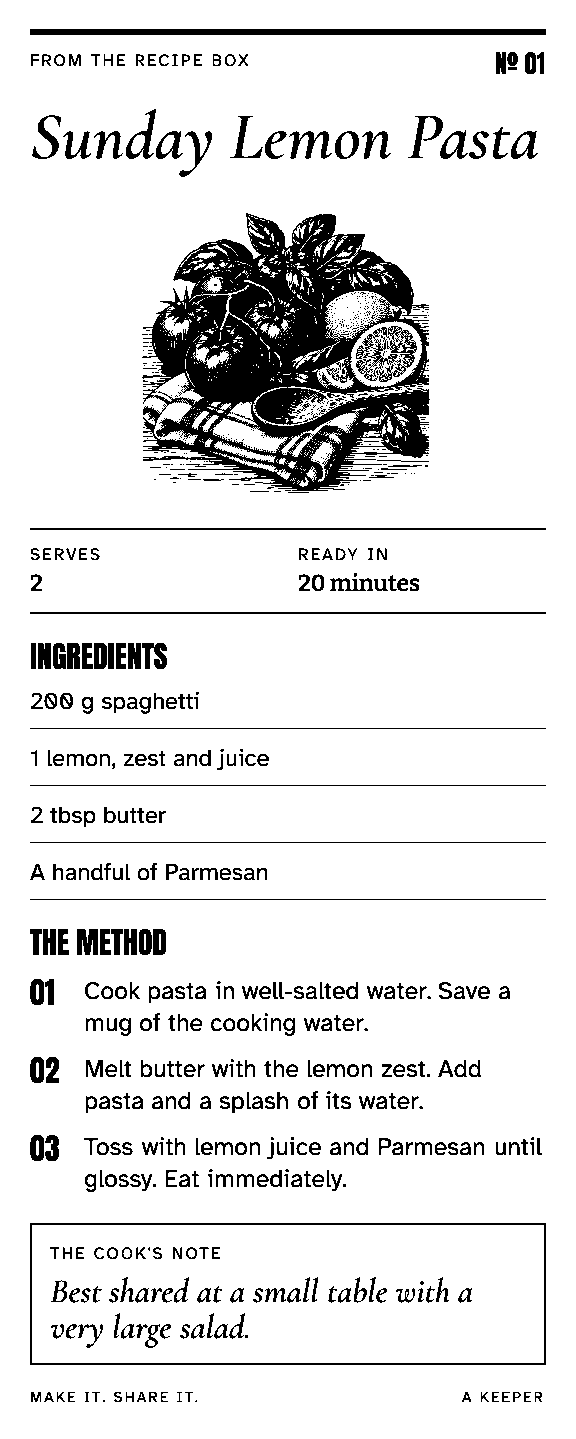
Your favorite recipe, worth keeping.
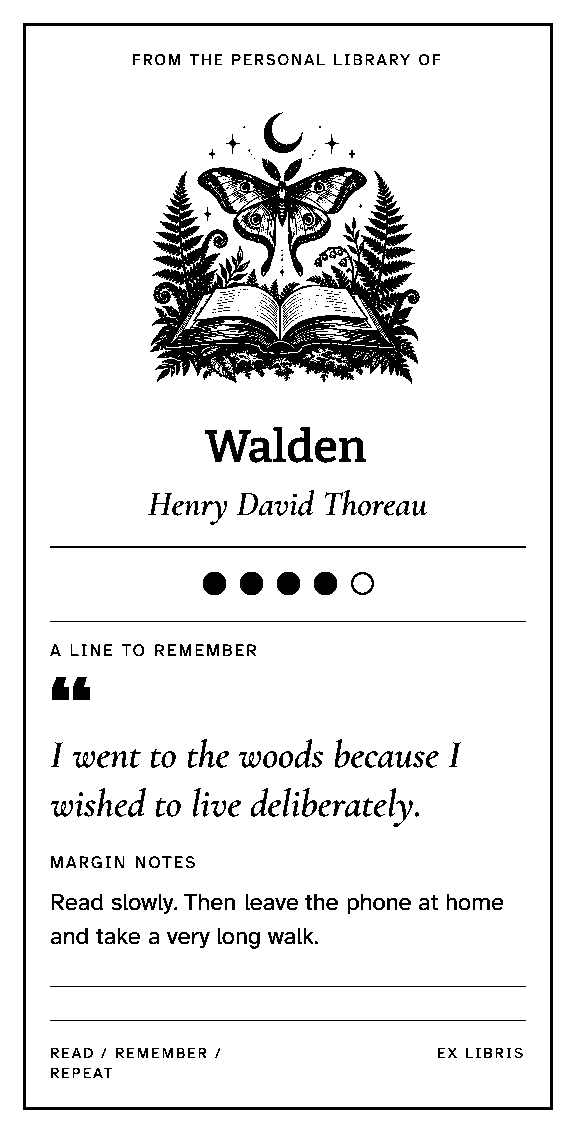
A little record of a good book.
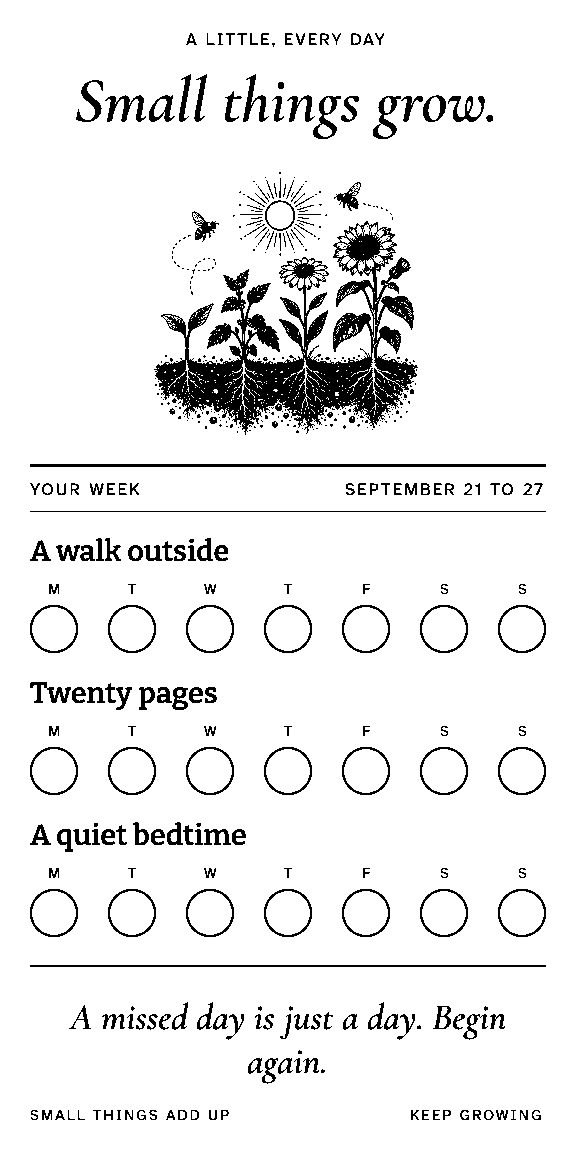
Make small habits something to see.

A note that makes someone’s day.

Give your shelves a little order.
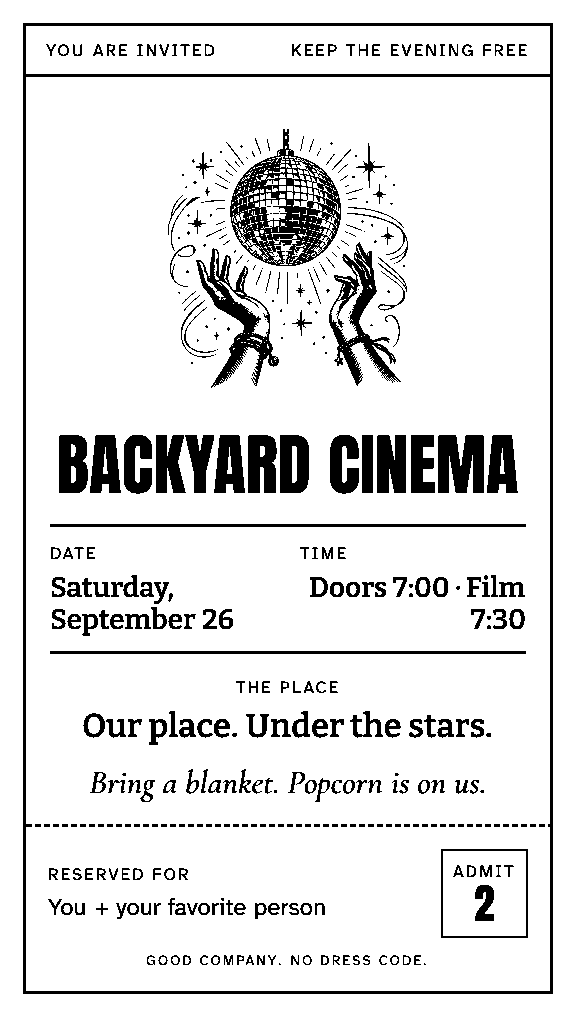
Make the invitation part of the fun.
Pick an illustrated template, write a quick note, or upload an image. Preview it at your printer’s paper width.
Change the words, add an illustration, and save your favorite layouts. Keep the design; switch up the details.
Connect your printer through Slipbridge on your computer. Print from your workspace, or let a schedule or another app do it.
A receipt printer can do much more than receipt text. Slipbridge renders designed templates as complete black-and-white images, with custom fonts, illustrations, borders, and layouts.
The preview is the artwork your printer receives. Your printer’s width and resolution set the canvas.
How designed templates workSlipbridge for Mac receives jobs in the background. For Linux and terminal workflows, the CLI connects your printer to the same workspace.
The Slipbridge CLI is the local printing engine. Use it with the app or on its own.


